



 Parental Control
 WhatsApp Tracker
 LINE Tracker
 Phone Surroundings
 GPS Phone Location
 Geofencing App
 Hidden Call Recorder
 Keylogger for Android
 Lock App


Computer Monitoring Software For Windows & macOS
-
 Real-time activity tracking & desktop capture
-
 Ideal for businesses & parental control
-
 Comprehensive reports on internet & app usage
-
 Run discreetly
ClevGuard Support: Monitor Devices with Others' Permission.












-
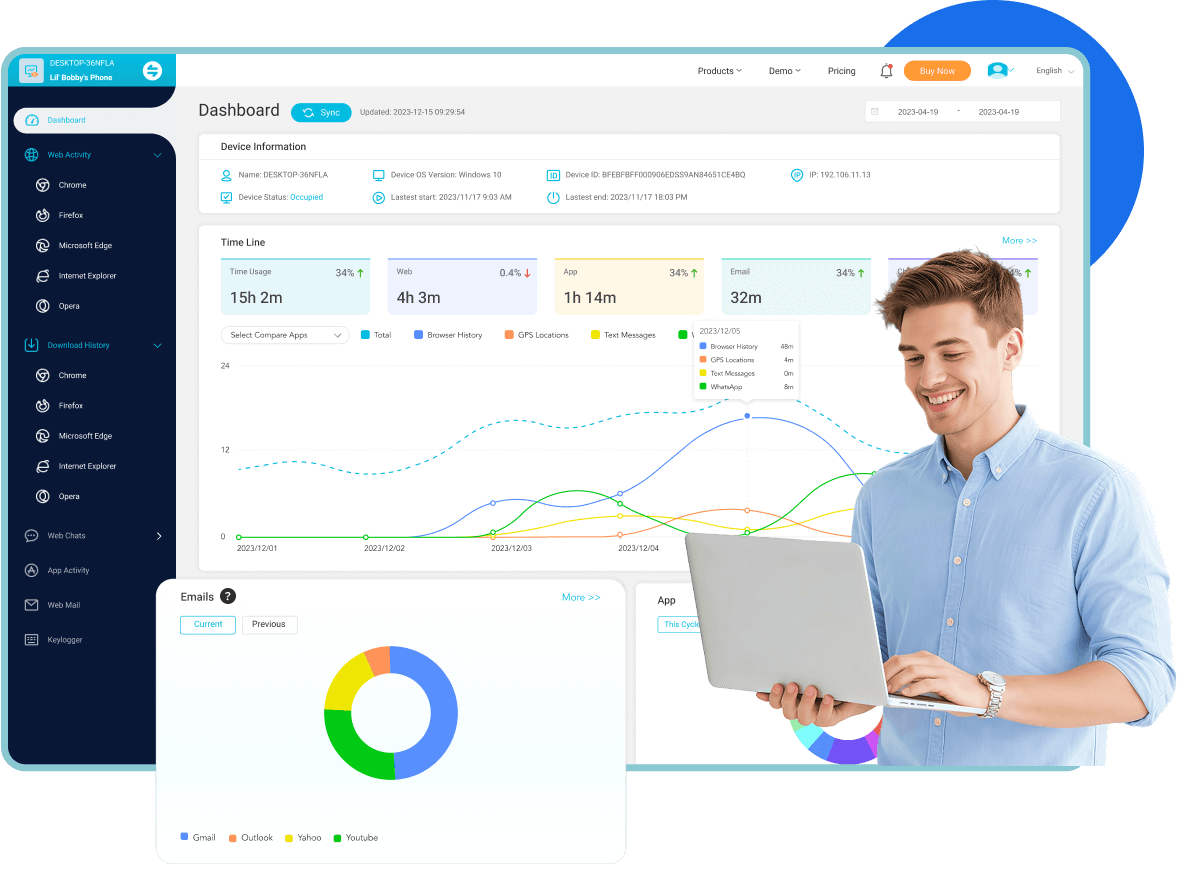
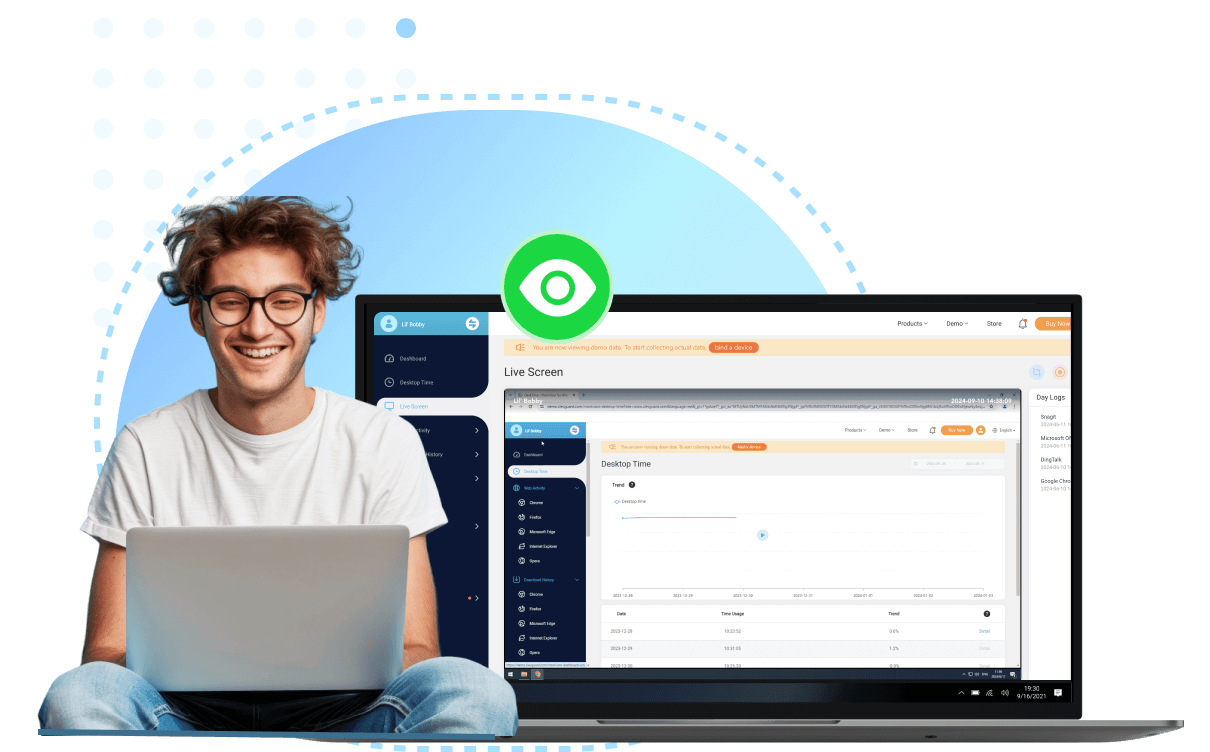
Live screen monitoring helps you view current activities in real-time and ensure focus and identify.

-
Keystroke logging captures every keystroke to track detailed user input and detect any unauthorized actions.

-
Real-time location tracking gives you access to the current location of your monitored devices and past location history.

-
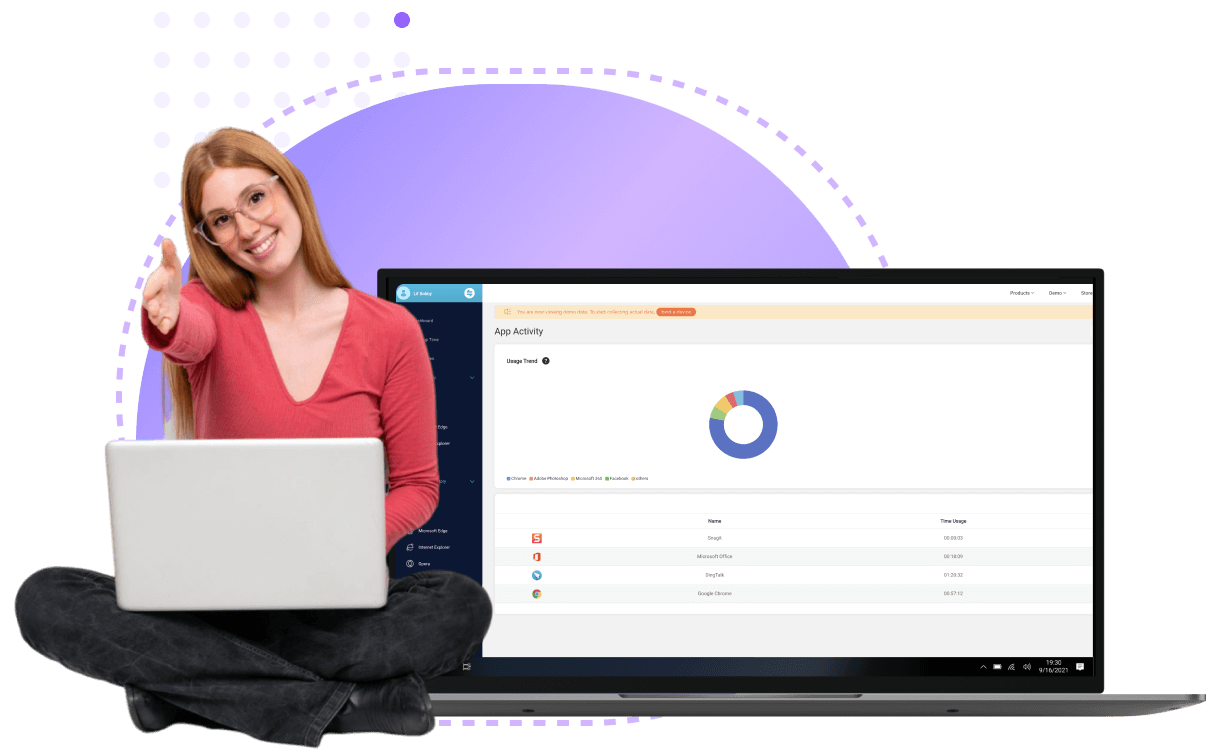
Software usage monitoring keeps track of all applications used and the overall screen time.

-
Microphone monitoring allows you to listen in on conversations around the device.



-
Email tracking monitors all sent and received emails through Gmail, Outlook, and Yahoo to stay on top of important communications.

-
Internet history monitoring and network monitoring software keep an eye on browsing activities and download history to ensure safe and productive web usage.

-
Instant messaging monitoring log conversations across popular messaging platforms to detect any inappropriate or suspicious behavior.



-
File activity tracking monitors file copying, creations, modifications, and deletions to prevent data loss and detect unauthorized changes.

-
USB port monitoring logs all device connections to safeguard your system against unauthorized data transfers.

-
Clipboard history tracking keeps a record of all copied content, providing full transparency over shared information.

-
Login history monitoring records every login attempt and logout to ensure that only authorized users are accessing your system.

-
Printing activity monitoring tracks all printing activities to prevent unauthorized document handling and maintain confidentiality.



-
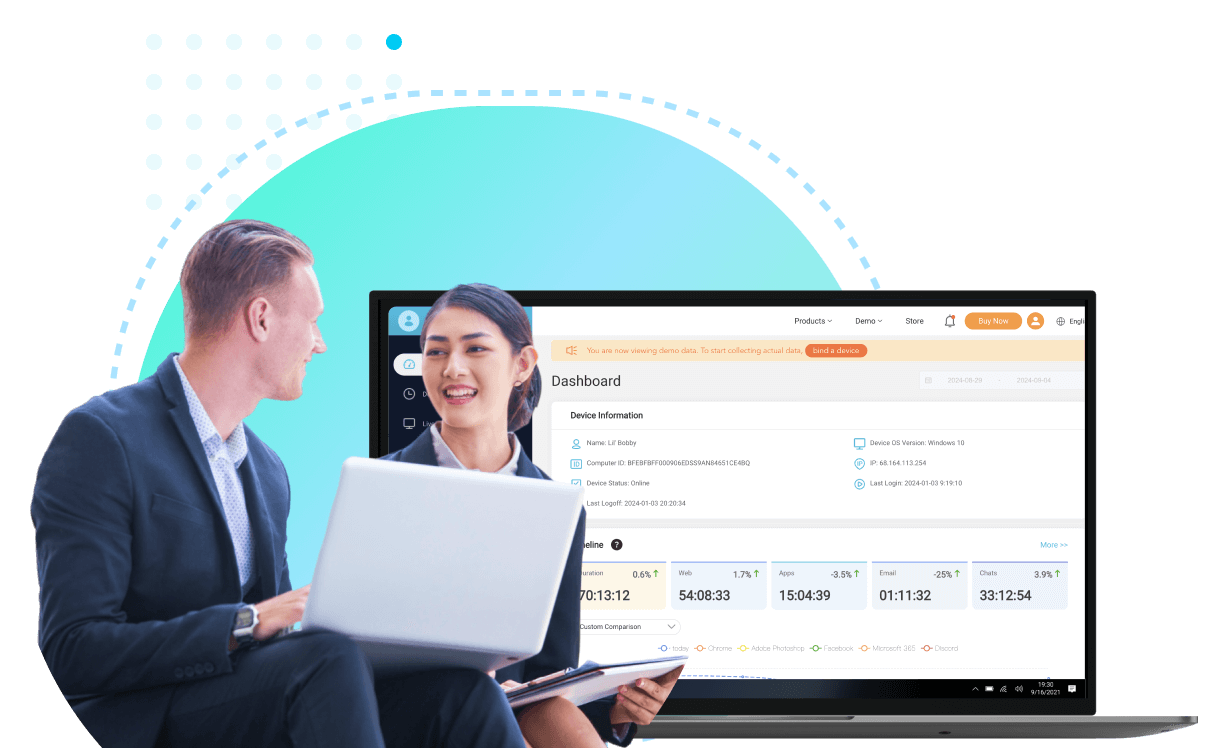
Team dashboard offers a comprehensive view of your team's activities, allowing you to monitor and manage workflows efficiently.

-
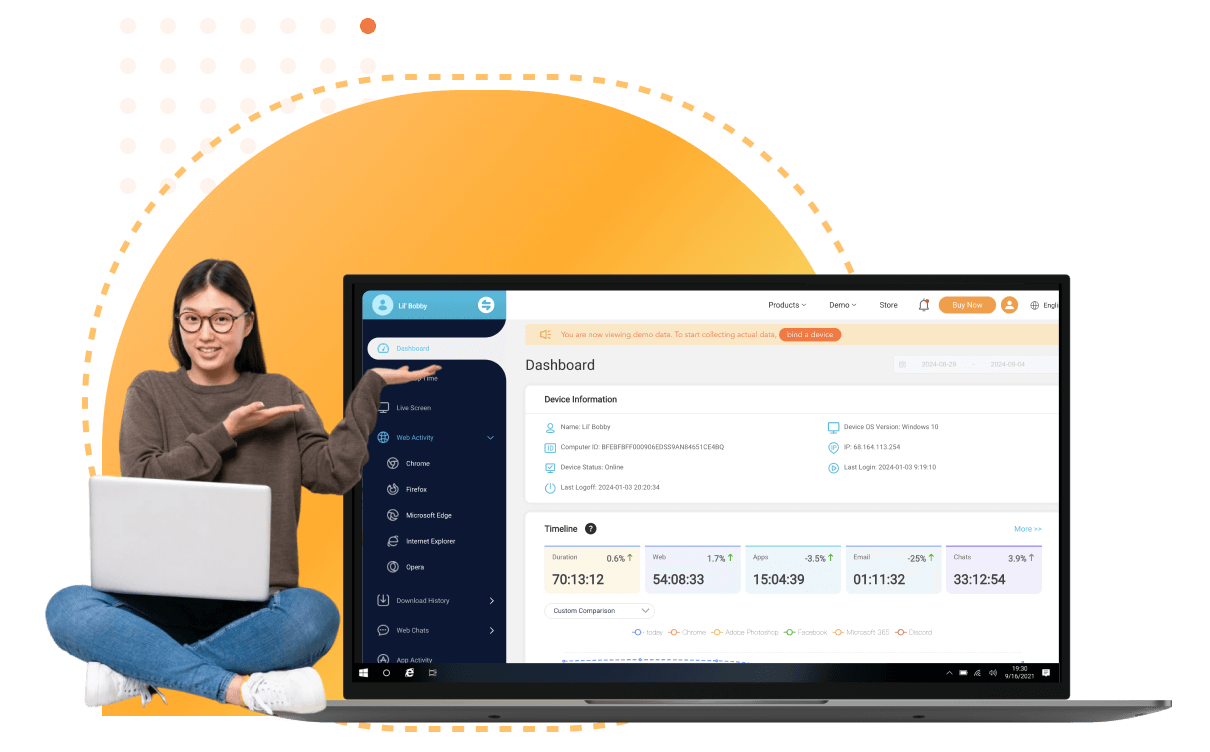
Desktop time tracking helps you monitor time spent on desktops to ensure efficient use of work hours and boost productivity.

-
Data export lets you generate detailed reports for further analysis and record-keeping, ensuring no detail is missed.

How to Install MoniVisor
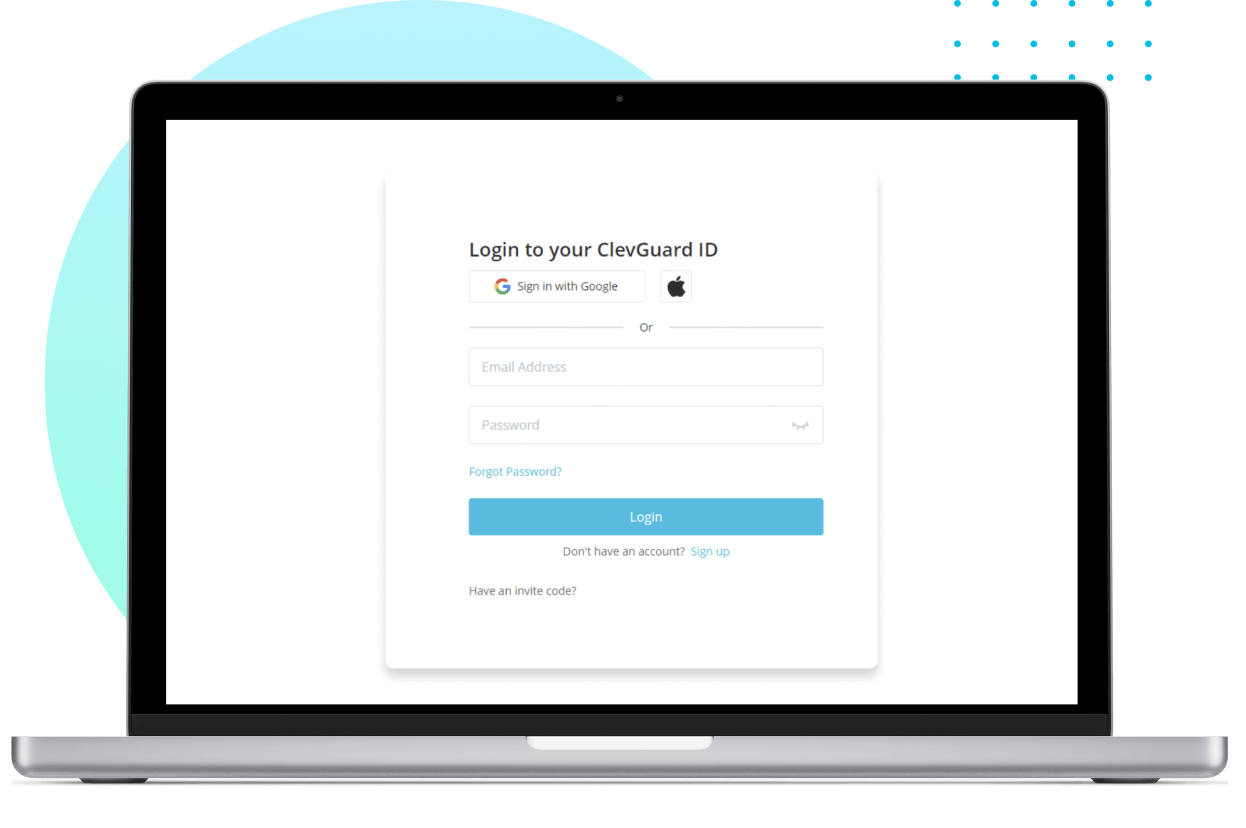
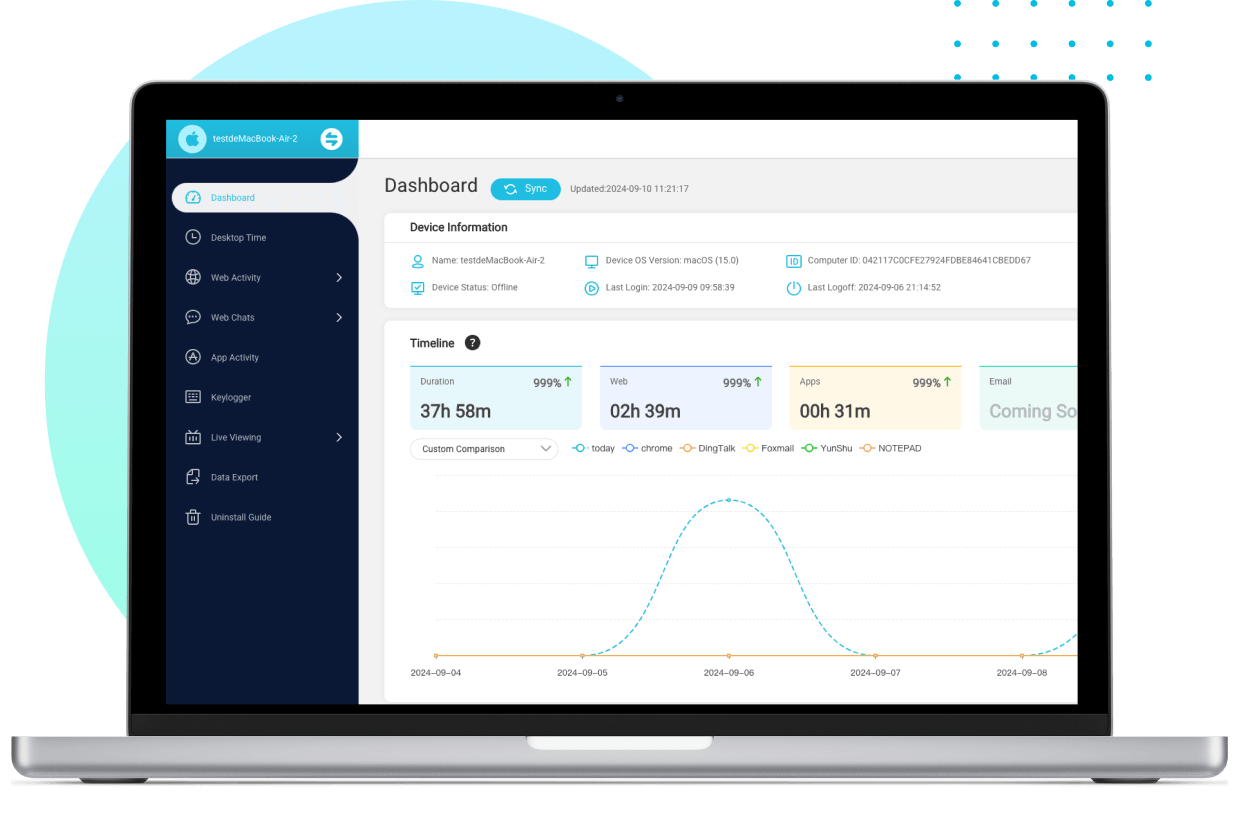
Sign up for a new account and select the plan that suits your needs to unlock MoniVisor’s full potential.
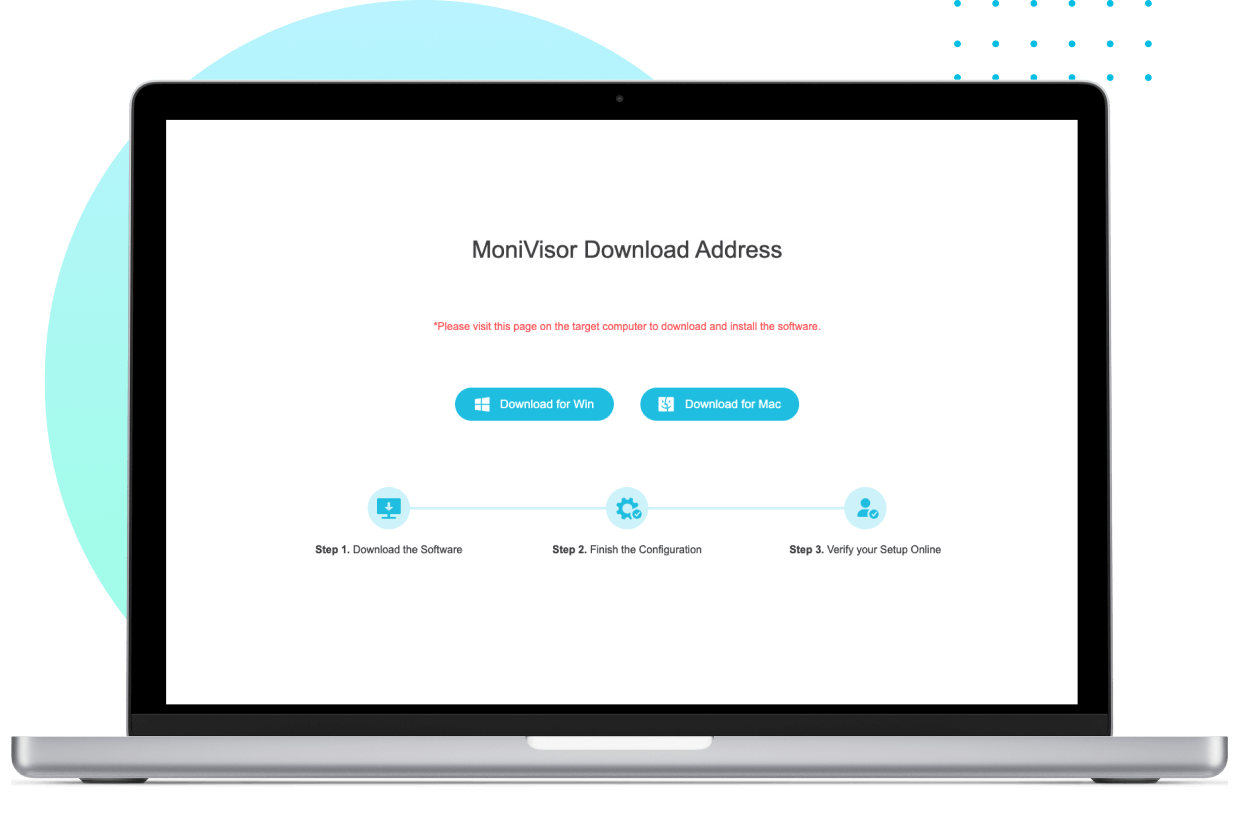
On the target computer, enter the provided link to access the installer. Run the program to begin the installation process.
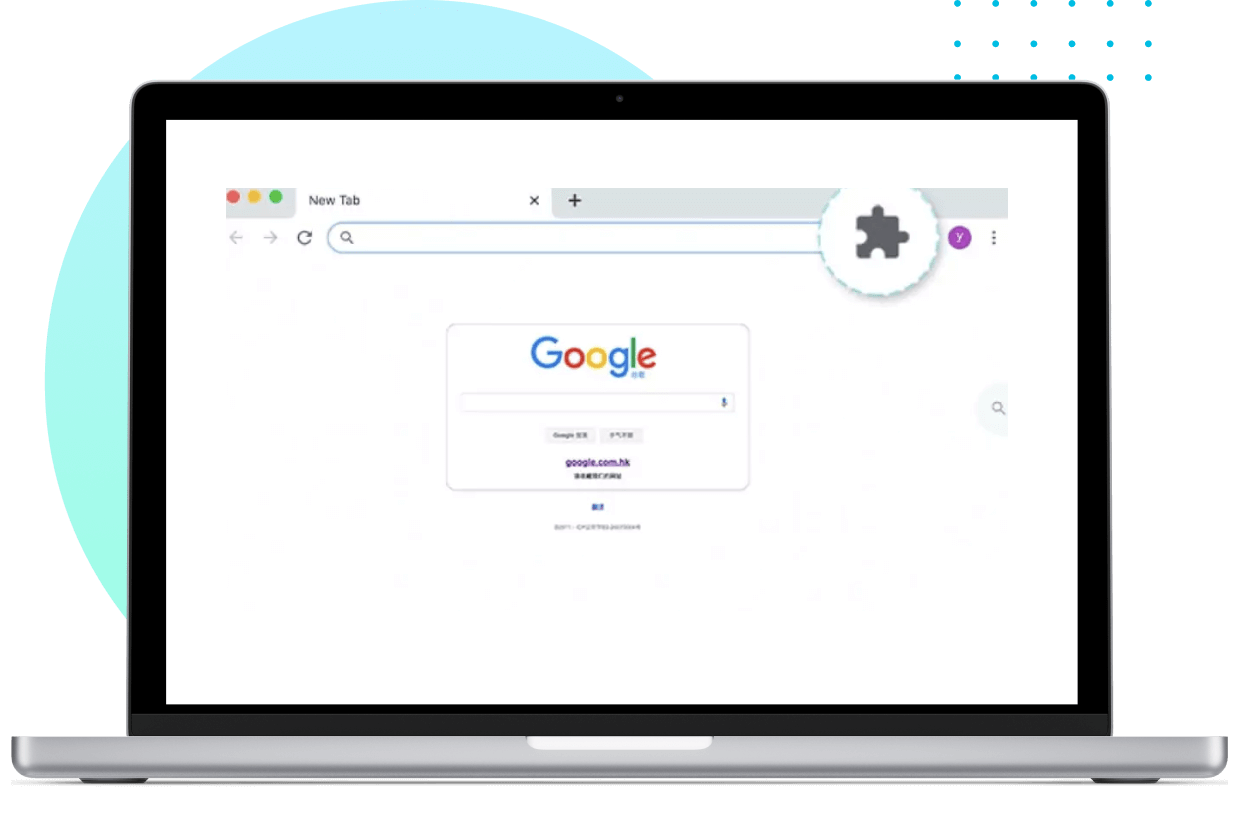
To monitor internet history on Google Chrome, install the necessary Chrome plug-in.
Once set up, log in to your online dashboard and start monitoring the device immediately.
MoniVisor: Tailored Pricing for Your Needs


Why Choose MoniVisor as Your Endpoint & PC Monitoring Solution?

Access real-time analytics and user activity logs securely from any web browser with our user-friendly interface.

From keystroke logging to screen capturing, get all-in-one visibility with our advanced Windows monitoring tools.

Operate completely hidden in the background without triggering Task Manager alerts or end-user notifications.

We employ advanced encryption measures to ensure your monitored data remains strictly confidential and secure.

MoniVisor is verified by top security engines, ensuring safe installation without compromising system integrity.

Receive continuous software enhancements, new tracking features, and security patches automatically.
MoniVisor is suitable for



Discover What Real Users Have to Say about MoniVisor

“MoniVisor has been fantastic for me as a parent. I can easily check what my kids are doing on their devices, which really helps me feel more secure. The live screen feature and the reports are straightforward and give me a clear view of their online activity.”

“This program has been a big help for managing my team. It’s great for keeping an eye on how they’re using their computers and making sure everyone is staying productive. The reports are easy to understand and have really helped me fine-tune our workflow. It took a little bit to get familiar with everything, but now it’s running smoothly.”

“Managing a remote team has been a lot easier since I started using MoniVisor. I can check in on different devices from anywhere, which is perfect for keeping track of everything. The live screen view is especially handy for seeing what’s going on in real-time and sorting out any issues quickly.”
- Best Keystroke Logging Software in 2026 | What to Choose
- How to Check Incognito History on PC
- Top-rated File Monitoring Tools to Track File Changes in 2026
- How to Know Your Child's Computer History
- 4 Best Computer Monitoring Software in 2026
- How to Effectively Detect Mouse Jiggle on Employees' Computers
- Best Hidden Screen Recorders You Need to Know in 2026
- [Windows] Best Software to Set Up Parental Control for Laptops
- How to Know If Your Files Have Been Copied [2026 Guide]
-
Q: What is MoniVisor?A: MoniVisor is a comprehensive computer monitoring software designed for Windows PCs. It allows business owners and parents to track real-time desktop activity, social chat history, keystrokes, file transfers, USB connections, and web browsing. By syncing all activity data to a secure online dashboard, MoniVisor helps safeguard sensitive company data, prevent insider threats, and boost workplace productivity.
-
Q: Is MoniVisor considered a spy program?A: No. MoniVisor is a legitimate employee monitoring and parental control software. We strictly prohibit the unauthorized or unlawful surveillance of individuals. The software is intended exclusively for parental supervision or legally compliant workplace management. Depending on local privacy regulations (such as GDPR or regional labor laws), employers may be required to notify employees and obtain explicit consent before monitoring company-owned devices.
-
Q: How does MoniVisor operate in stealth mode on the target PC?Once installed and activated, MoniVisor runs silently in the background without triggering desktop pop-ups or notifications. The desktop shortcut, Start menu icon, and installation footprint are automatically hidden, ensuring seamless, non-intrusive monitoring while maintaining normal computer performance.
-
Q: Do I need physical access to the computer to install MoniVisor?Yes. One-time physical access to the target computer is required to download and complete the setup. Following our MoniVisor installation guide, setup takes under 5 minutes. Once configured, you can log in to your cloud-based dashboard from any browser to monitor all computer activities remotely.
-
Q: Can MoniVisor be detected by Task Manager or Antivirus software?A: MoniVisor is engineered to bypass standard Task Manager listing under its official product name. To ensure uninterrupted operation against antivirus scanners, the installation process includes simple steps to add MoniVisor to your security system’s exclusion list, preventing false-positive security alerts.
-
Q: How can I monitor employee activity using MoniVisor?A: MoniVisor offers a centralized management panel tailored for team supervision. Managers can review detailed activity reports, including sent/received emails, social app messaging (WhatsApp, Skype, etc.), web search history, file modifications, and keystrokes. You can also capture automated real-time screenshots to gain full visibility into daily workflows.
-
Q: What makes MoniVisor one of the best computer monitoring tools?A: There's no fixed answer to this question. But regarding the functionality and user-friendliness, MoniVisor has its place. A wide spectrum of features along with an intuitive control panel make it an ideal choice for both parental control and employee monitoring. Meanwhile, don't forget to ensure that the actual usage aligns with your ethical and legal standards for monitoring activities.