


 Parental Control
 WhatsApp Tracker
 LINE Tracker
 Phone Surroundings
 GPS Phone Location
 Geofencing App
 Hidden Call Recorder
 Keylogger for Android
 Lock App
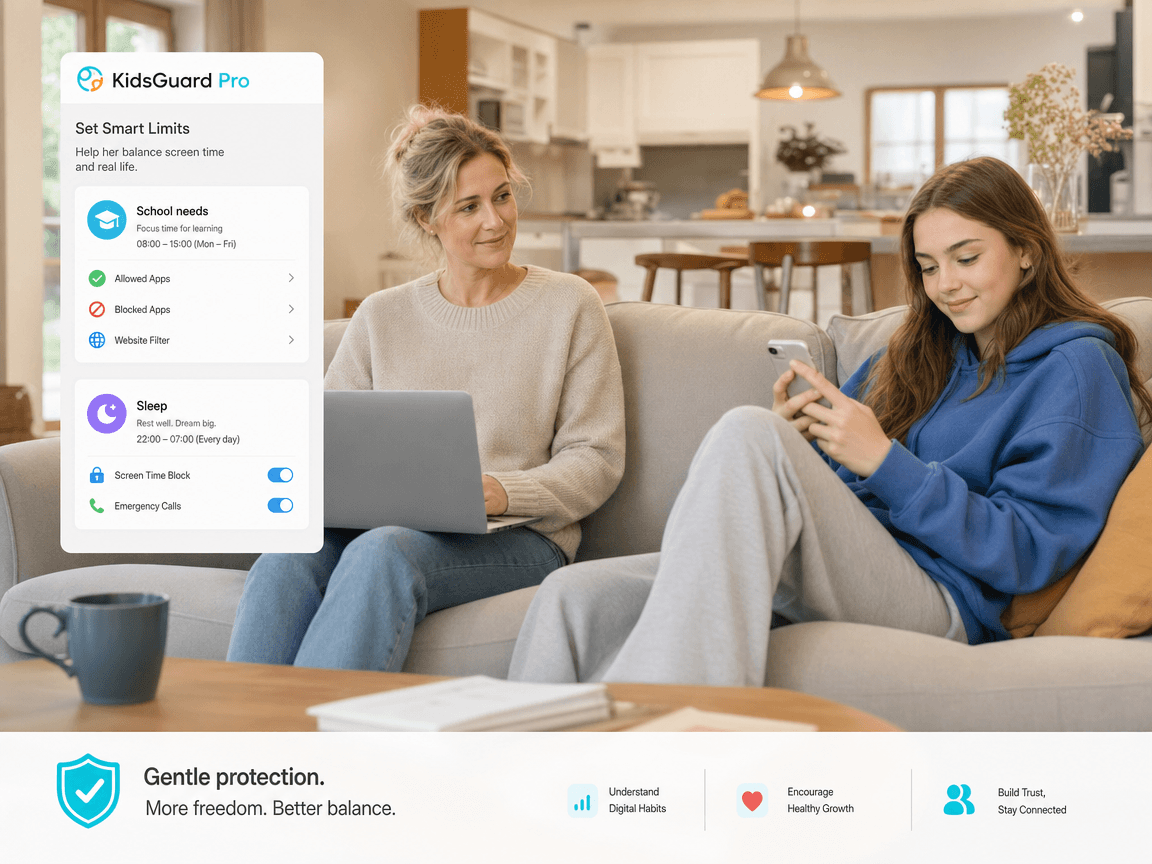
Daily Screen Time Limit
Set a screen time limit for school days, weekends, bedtime, or family time.




Protect child's digital world and set healthy screen time limits with KidsGuard Pro.
Set a screen time limit for school days, weekends, bedtime, or family time.
Create blocked periods for homework, sleep, meals, or other offline routines.
See which apps take the most attention before changing family device rules.
Limit games, social apps, short-video apps, and other digital distractions.
Pause device use when it is time for dinner, study, travel, or going out.
Allow temporary extra time for rewards, trips, weekends, or special situations.
Reduce early distractions while keeping essential apps available.
Limit entertainment apps while assignments, reading, and online classes happen.
Support healthier rest by reducing social, gaming, and video use before sleep.
Keep entertainment possible while preventing screen time from taking over the day.
One solution for all iPhone parental controls, Android parental control, iPhone screen time, and Android screen time management needs.
Support clear rules alongside native iphone parental controls.
Use screen time android insights to guide daily habits.
Keep expectations clear across school days, weekends, and bedtime.
Use parental control for screen time clearly, legally, and with age-appropriate screen time limits.
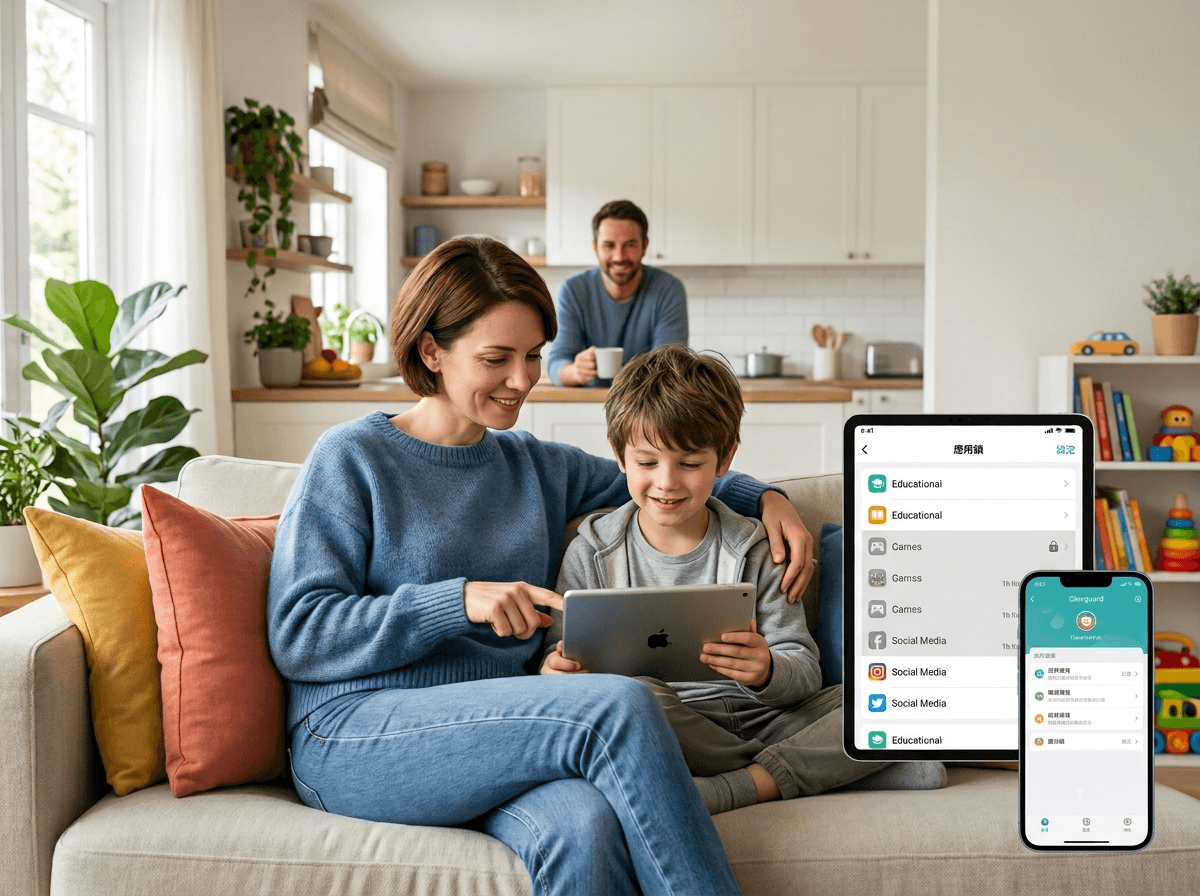
Explain why limits exist and which apps or times are affected.

Use App insights as a conversation starter, not as a replacement for family guidance.

Adjust screen time limit settings around age, school needs, sleep, and maturity.
Main parental control solution for family device safety.
Explore productLimit distracting apps during focus, family, and bedtime routines.
View featureSupport school commutes, trips, and daily safety check-ins.
See detailsUnderstand browsing activity as part of safer digital habits.
Learn moreReview social app activity in responsible family safety scenarios.
ExploreCreate safe-zone reminders for home, school, and family travel.
Open guideIt helps parents set healthy device boundaries, review app use, and guide children toward balanced digital habits.
Start with school nights, bedtime, and weekends, then adjust the screen time limit based on your child's routine and usage patterns.
KidsGuard Pro can support families comparing screen time iphone settings, screen time android tools, and broader parental control needs.
KidsGuard Pro can help reduce unnecessary screen time by combining app insights, routines, limits, and family guidance.
Yes. Clear conversations help children understand why limits are in place and make screen time control more sustainable.
Review rules when school schedules, sleep needs, app habits, or family routines change, instead of using one fixed rule forever.
Set a screen time limit for healthier App time habits with KidsGuard Pro.