


 Parental Control
 WhatsApp Tracker
 LINE Tracker
 Phone Surroundings
 GPS Phone Location
 Geofencing App
 Hidden Call Recorder
 Keylogger for Android
 Lock App
1
Reduce distractions
Limit games, social apps, and short-video apps during school, homework, bedtime, or family time.




KidsGuard Pro helps parents limit distracting apps, review app activity, and build healthier screen-time routines without turning device rules into a daily argument.
Use KidsGuard Pro to block Apps legally, transparently, and with age-appropriate family rules.
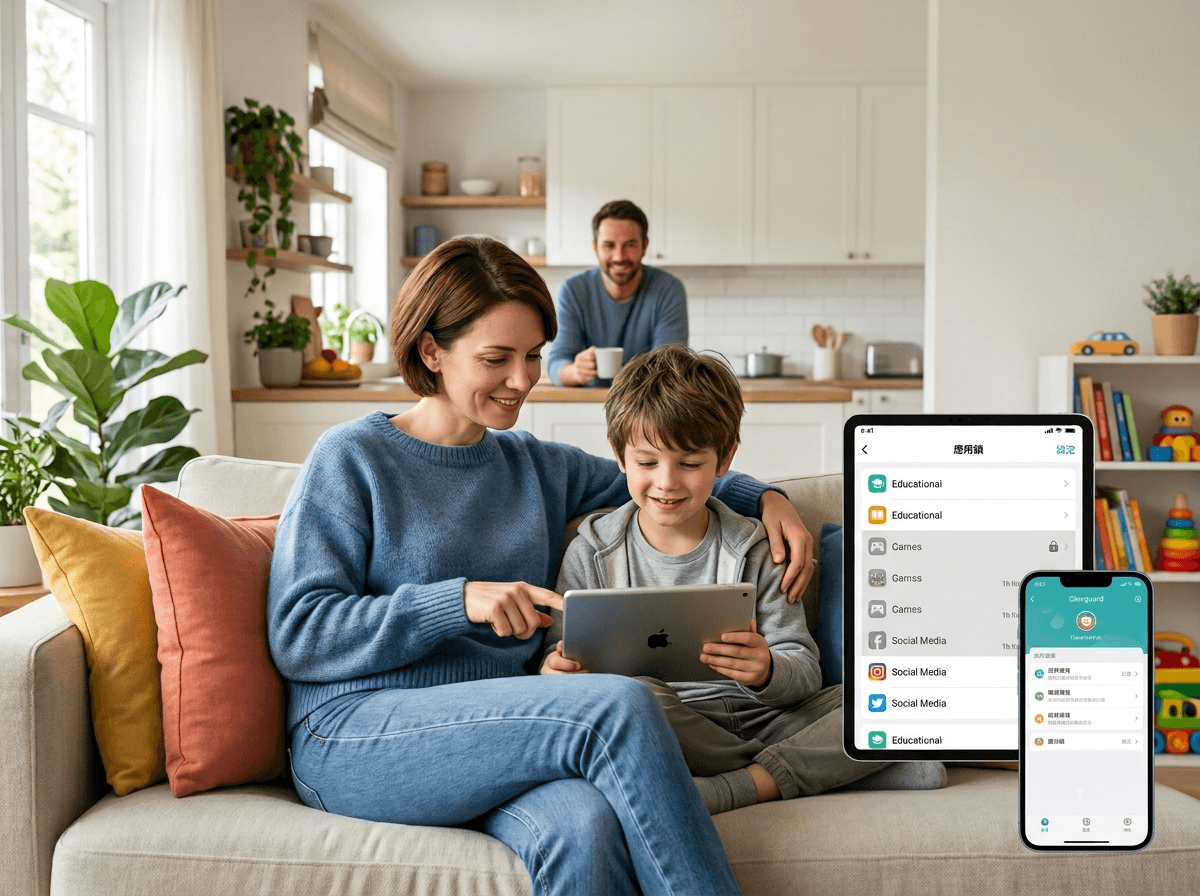
Today's app control
3 apps limitedParents searching for how to block apps often want a practical way to reduce distractions while keeping learning, calling, and useful tools available.
Limit games, social apps, and short-video apps during school, homework, bedtime, or family time.
Review app usage before changing rules, so conversations with your child are based on clear context.
Create consistent app control parental boundaries that support focus, sleep, and balanced screen time.
Manage distracting apps without making the page feel heavy. Each control is tied to a clear family use case: focus, routines, insight, and useful access.
Limit games, short-video apps, or social apps during study, sleep, and family time.
Create schedules for school nights, homework blocks, weekends, and bedtime.

Use app insights to understand patterns before changing limits.
Keep learning, calling, maps, or safety apps available while distractions are limited.
Set app rules around real family routines, so games, social apps, and videos stay limited during study, rest, family time, and healthier weekends.
Limit games and short-video apps while keeping learning tools available.
Reduce social distractions during assignments, reading, and online classes.
Wind down entertainment apps at night to support healthier sleep habits.
Set flexible limits for games and videos without blocking every useful app.
Connect app control with the ClevGuard tools parents use for screen-time balance, location awareness, and safer digital habits.
Main parental monitoring product for whole family device safety.
Explore ->Manage iPhone screen time, app limits, web content, and family rules.
View feature ->Support school commutes, trips, and daily safety check-ins.
See details ->Understand social app activity and potential online risks.
Explore ->Review messaging activity in responsible family safety scenarios.
Read more ->Keep answers short and useful for search visitors who want to know how to block apps without reading a long guide.
Use iPhone parental controls for basic restrictions, then use KidsGuard Pro to review app activity and guide healthier device habits where legally permitted.
Decide which apps need limits, explain the rule to your child, apply device restrictions, and review usage patterns regularly.
Yes. KidsGuard Pro can support families that use iPads for both school and entertainment by making app habits easier to review.
KidsGuard Pro supports Android parental control application scenarios through app activity awareness and family screen-time routines.
Use KidsGuard Pro to block distracting apps, review app activity, and help your child build healthier digital habits.