



 Parental Control
 WhatsApp Tracker
 LINE Tracker
 Phone Surroundings
 GPS Phone Location
 Geofencing App
 Hidden Call Recorder
 Keylogger for Android
 Lock App



ClevGuard Support: Monitor Devices with Others' Permission.
The annual back to school season brings a familiar wave of anticipation. Parents stock up on color-coded notebooks, schedule annual pediatric checkups, and double-check bus routes. However, modern parenting requires a broader safety checklist than in previous generations. Today, student safety extends beyond physical school grounds, playground equipment, and crosswalks—it travels directly inside your child's backpack on a glowing glass screen.
By combining time-tested developmental advice with modern protective tools, you can establish a secure environment where your child thrives academically, socially, and digitally this school year.

Table of Contents
01: Essential Back to School Tips: Physical & Emotional Readiness
02: The Hidden Frontier: Why Digital Safety is Part of Every School Day
03: KidsGuard Pro: Your Child's First Line of Defense for Back-to-School Security
04: Tailored Defense: Matching Parental Control to Your Child's Grade Level
05: Frequently Asked Questions (FAQ)
06: Conclusion: Empowering Students for a Safe, Successful School Year
Show more
Essential Back to School Tips: Physical & Emotional Readiness
Building strong health and safety habits before day one sets children up for classroom success. Based on pediatric guidelines (AAP), here are the essential back to school tips for physical and emotional readiness:
-
Sleep Reset: Adjust bedtimes 1–2 weeks and control the screen time of their portable devices before school starts. Children need 9–12 hours of sleep (8–10 hours for teens) to maintain focus and mood stability.
-
Backpack Ergonomics: Ensure backpack weight stays under 10%–15% of your child's body weight and both padded straps are used to prevent back strain.
-
Commute Safety: Practice walking or biking the school route in advance. Reiterate rules on helmet safety, crosswalks, and standing 3 steps back at bus stops.
-
Smart "Stranger Danger": Focus on suspicious behaviors rather than appearances. Teach kids never to enter a vehicle or accept gifts without prior parent approval.
-
Emotional Check-ins: Validate back-to-school jitters and establish a daily 5-minute chat (like during dinner) to openly discuss peer pressure, plans, or worries.

The Hidden Frontier: Why Digital Safety is Part of Every School Day
Once your child steps out the door, their smartphone goes right along with them—connecting them to the online world on the bus, during lunch, and between classes. While having a phone is great for staying in touch, it also opens the door to quiet risks like online scams disguised as study tools, accidental privacy leaks, and toxic group chat bullying that teachers simply can't catch.
Keeping your child safe today means protecting what's in their pocket just as much as watching where they walk, what they learn and more.
KidsGuard Pro: Your Child's First Line of Defense for Back-to-School Security
Parenting during the academic year is a balancing act. You cannot accompany your child into the classroom or monitor their phone screen during every recess, yet leaving them unprotected in a complex digital environment poses significant risks.
This is where a comprehensive parental control ecosystem becomes essential. Professional parental control assistant KidsGuard Pro acts as an invisible, non-intrusive safety net, seamlessly bridging physical commute security with mobile online safety without interrupting your child's educational experience.

All-in-One Students's Safety Shield
-
Social Media Monitoring: Tracks chat logs across platforms like WhatsApp to detect scams, and unauthorized sharing of private details.
-
Custom Keyword Alerts: Triggers instant notifications whenever custom-defined warning words are typed or received.
-
Live GPS & Geofencing: Tracks real-time location and sets safe zones (e.g., school, home) with instant alerts.
-
Smart Screen Time & Focus Mode: Blocks distracting apps to boost focus and protect healthy habits.
Know KidsGuard Pro in a film
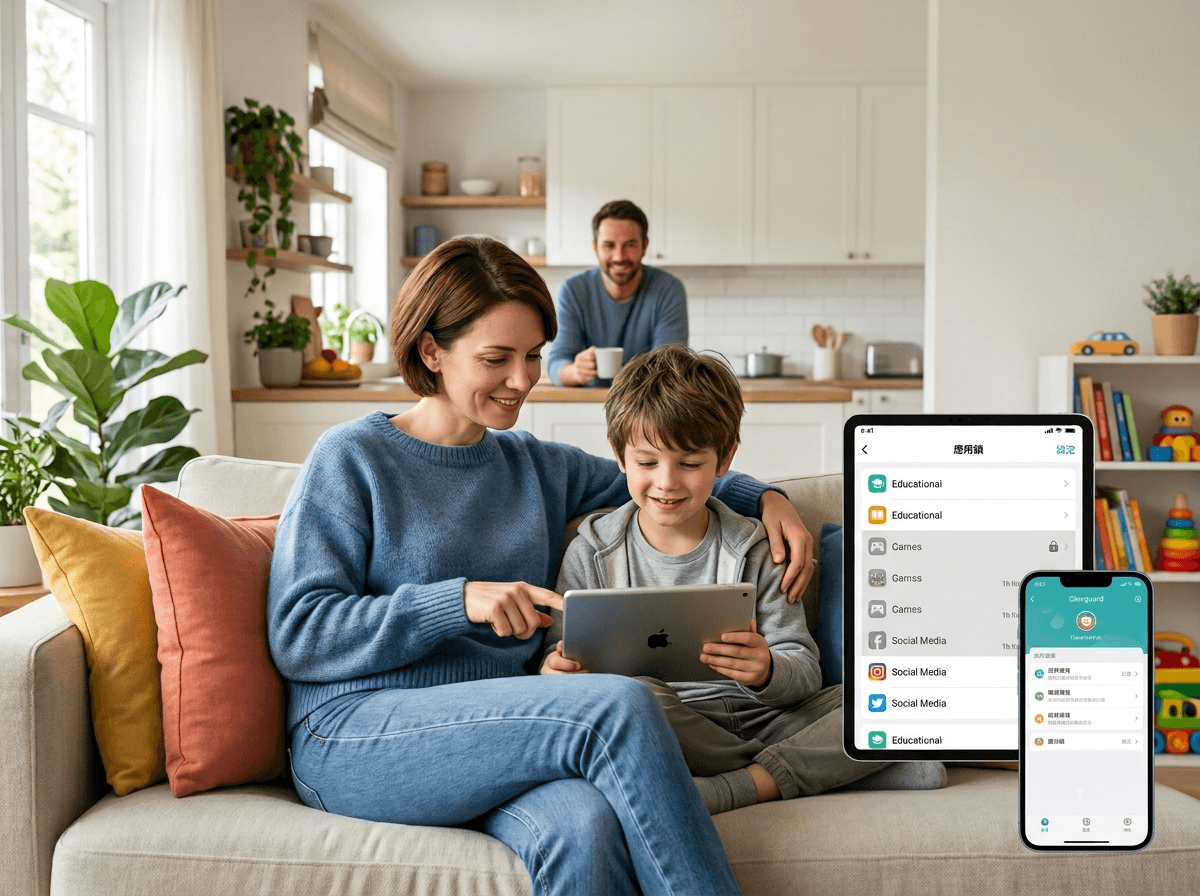
Tailored Defense: Matching Parental Control to Child's Grade Level
Children's developmental needs, independence levels, and digital risks change dramatically as they mature. Effective supervision should adapt accordingly:
| Grade & Age Group | Primary Safety Focus | Recommended Strategy & Features |
|---|---|---|
| Elementary School (Ages 6–10) |
• Physical commute safety • Accidental app usage • Screen addiction |
• Geofencing & GPS Tracking: Ensure safe arrivals. • Strict Screen Time Limits: Establish healthy bedtime routines. • App Blocking: Prevent accidental in-app purchases or age-inappropriate downloads. |
| Middle School (Ages 11–13) |
• Cyberbullying • Social peer pressure • Exposure to toxic content |
• Custom Keyword Alerts: Detect bullying terminology early. • Social Media Chat Monitoring: Oversee popular platforms. • Web Filtering: Block adult content and risky search engines. |
| High School (Ages 14–18) |
• Online phishing & scams • Data privacy protection • Driving & mobility safety |
• Anti-Scam Monitoring: Detect malicious links and phishing. • Location History Verification: Validate travel schedules. • Privacy Safeguards: Ensure private identity details remain secure. |
Frequently Asked Questions about Back to School)
The most effective approach combines open communication, clear digital ground rules, and proactive technological safeguards. Establish "tech-free zones" (such as the dinner table and bedrooms at night), educate children on identifying phishing links, and implement a trusted solution like KidsGuard Pro to monitor for hidden online threats.
Modern monitoring tools like KidsGuard Pro utilize automated keyword detection engines. Parents can configure custom alert lists containing toxic or harmful phrases. If these terms appear in SMS text messages, social chats, or search entries, parents receive immediate notifications, allowing them to intervene before emotional harm escalates.
Yes. KidsGuard Pro operates silently in the background using precise GPS location tracking and geofencing technology. Parents can set up virtual boundaries around school properties or home neighborhoods, receiving automated push notifications when their child crosses these boundaries without needing to make distracting phone calls during class hours.
Conclusion: Empowering Students for a Safe, Successful School Year
Preparing for a successful school year is no longer limited to buying supplies and arranging transportation. As digital devices become deeply integrated into academic and social lives, true student safety demands a comprehensive strategy that protects children both offline and online.
By applying classic health and wellness habits alongside intelligent parental control solutions, you provide your child with freedom to explore, learn, and grow while maintaining a reliable safety net. Make KidsGuard Pro your family's first line of defense this back-to-school season, and give yourself the ultimate peace of mind.


